Who is working?
Plan shifts and review attendance in one place.
FOR CAFÉS, RESTAURANTS & SMALL HOTELS
Shift changes in chat. Attendance in a spreadsheet. Tasks remembered by whoever is on duty. When the records disagree, your manager has to piece the day back together. CSO connects shift plans, recorded attendance and tasks so your team can work from the same information.
A focused 15-minute conversation. Start with one workflow and an agreed 14-day trial.
Count the time spent chasing shift changes, checking attendance and copying records for reports. Those hours are the starting point for deciding whether a different process is worth it.
Plan shifts and review attendance in one place.
Keep requests and tasks organised, with a responsible person and a clear status.
Bring team communication, onboarding and workplace instructions into everyday operations.
Tested in one café. The screens below use demonstration data. Follow the workflow in a live demo, then compare your own records during an agreed trial. We have not published a measured time-saving result.
You do not need to introduce every module at once. Choose the workflows that matter to your operation and build from there.
Organise planned shifts and review check-ins, breaks and check-outs.
Give operational requests a clear place, an owner and a status.
Keep employee information, interview notes and performance reviews organised.
Help employees find instructions, follow training and stay informed.
Review operational records and prepare available reports for management follow-up.
Available modules and access are configured for your organisation.
Employees see their shifts and tasks. Managers review recorded check-ins, breaks and check-outs and follow up on changes. Each person has the access their role needs, across your company, branches and teams.
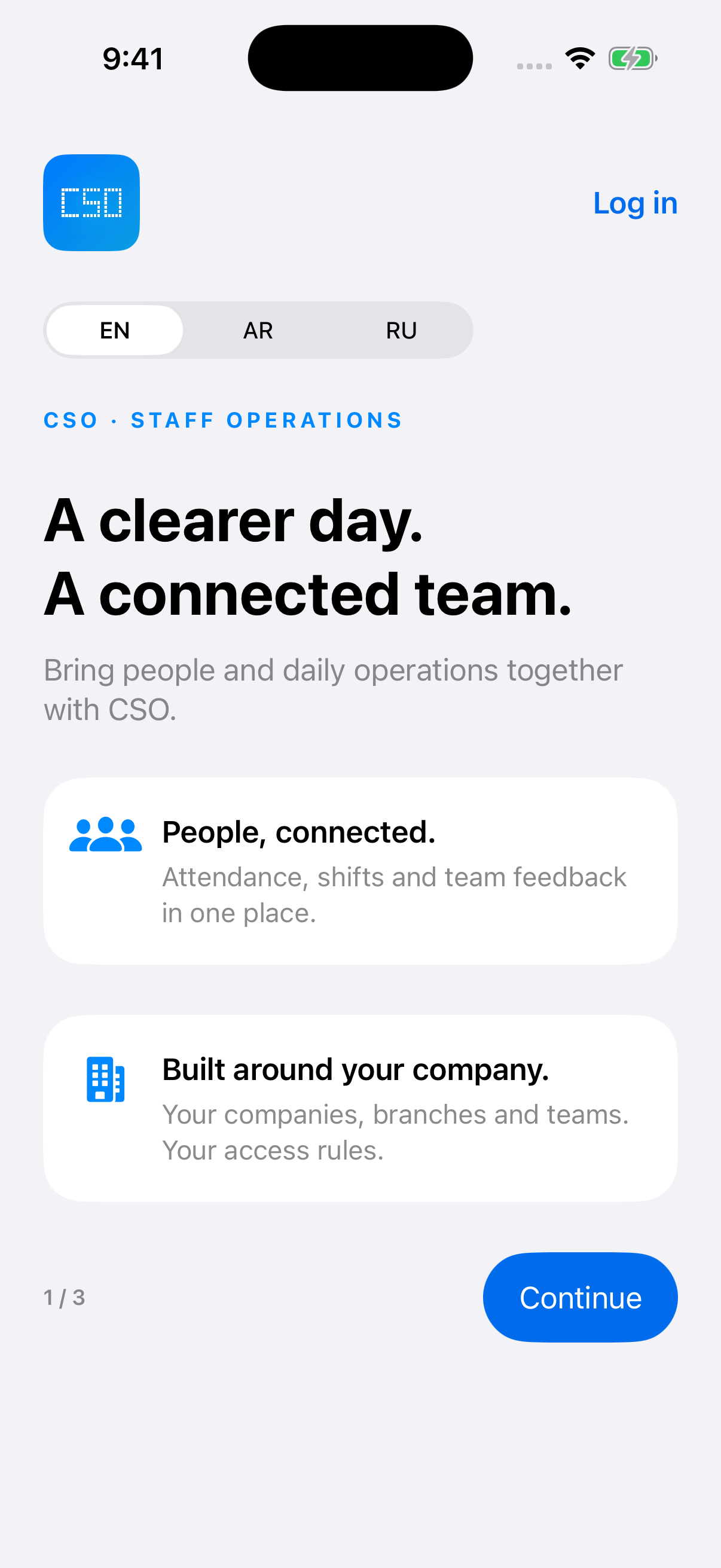
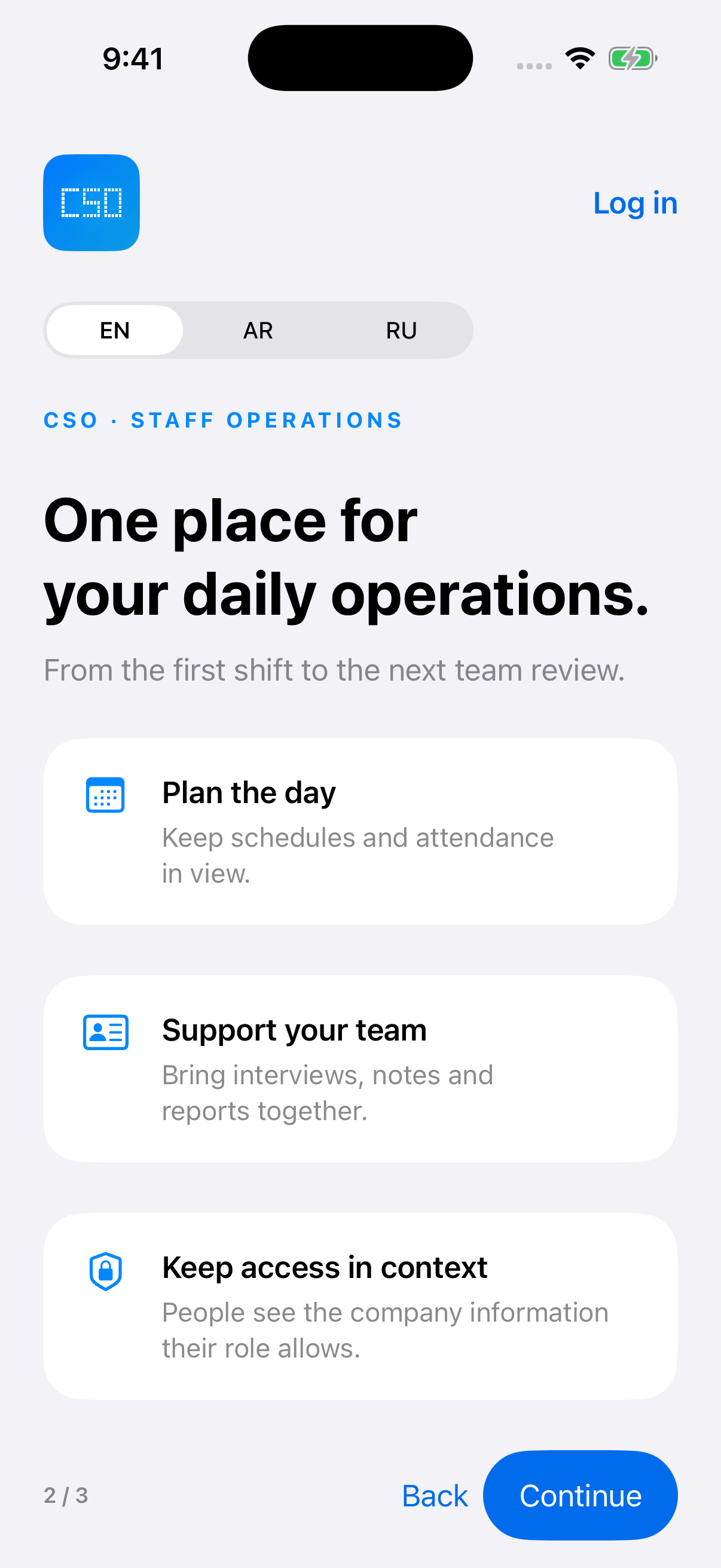
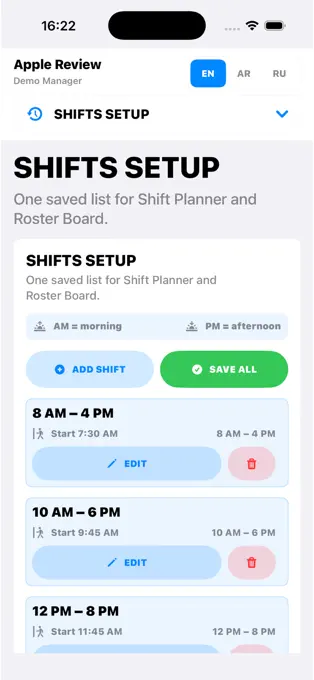
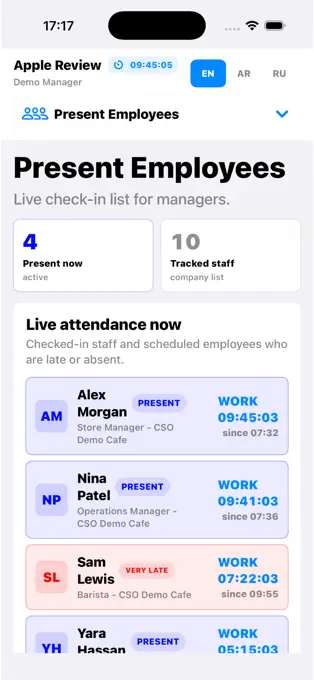
From planning a shift to checking who is present, CSO gives your team a shared place to manage daily work. App screenshots shown with demonstration data.
Already a customer? Download the app and sign in using the account provided by your organisation. Downloading the app alone does not create a company account.
A useful system starts with understanding how your team actually works. We introduce CSO around a practical workflow, review it together and help your team build confidence.
Tell us what is hardest to keep organised. Together, we select a clear starting point.
We agree the initial scope, access and responsibilities with your organisation.
Your team uses the selected workflow and checks the records against what happens in practice.
We discuss feedback, investigate specific issues and agree the next steps.
Your team’s participation matters. Real examples and timely feedback help us check that the setup fits your operation.
Choose one workflow and record a baseline: time spent checking records, corrections needed or time to prepare a report. Use CSO with your team for 14 days, compare the same measure and decide together whether to continue.
Trials are arranged with us. They do not start automatically when you download the app.
CSO fits hospitality teams repeatedly reconciling shifts, attendance or tasks across chats and files. Choose a manager who can involve the team and review the trial. If your current process works well or you only need a guest menu, start with that need instead.
No. We agree an initial scope with you and start with the workflows most relevant to your team.
Accounts are provided by your organisation. Employees download the app and sign in with their assigned details.
CSO supports an organisational structure of companies, branches and teams, with access configured for authorised roles.
No. Available modules and records depend on the person’s assigned access.
Supported attendance actions can be queued on the device and synchronised when connectivity returns. Other functions may require a connection. If an attendance action cannot be confirmed, the employee should notify their manager.
Reports and exports are available for supported modules and authorised roles. During the demo, we can show the outputs relevant to your operation.
We review the experience together and discuss the scope and commercial terms for continued use.
Contact us to discuss your requirements and request a proposal for your organisation.
Tell us where your team keeps checking, chasing or re-entering information. We will look at the relevant CSO workflow, agree what a useful improvement would look like and decide whether a trial fits.
No obligation. We will contact you to agree a suitable time.
Prefer email? info@csosystem.com
A QR-code menu gives guests a convenient way to browse your offering on their own phones. This optional guest-facing extension is configured separately from your staff operations system.
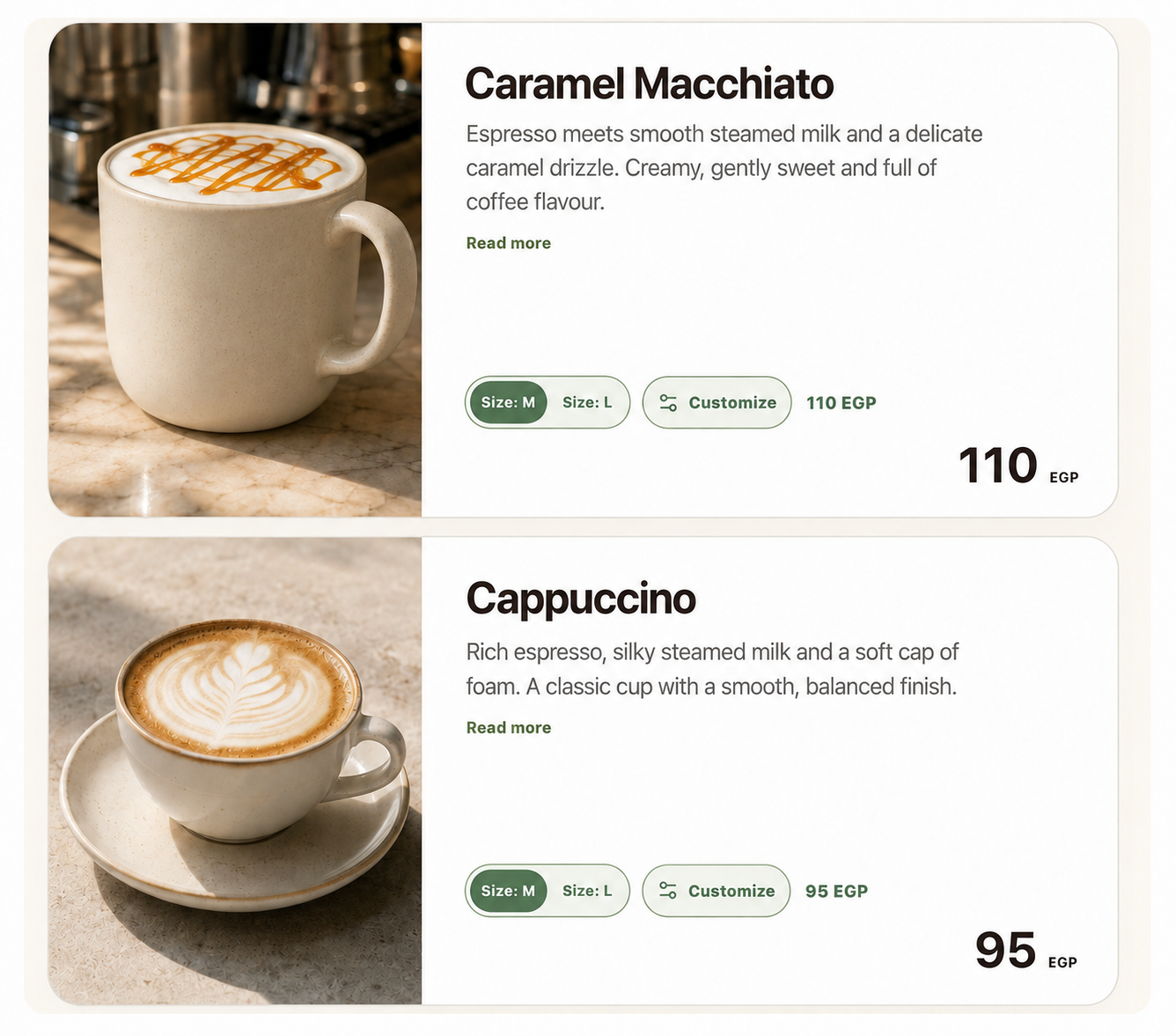
Illustrative menu preview. Items, images and prices are examples.
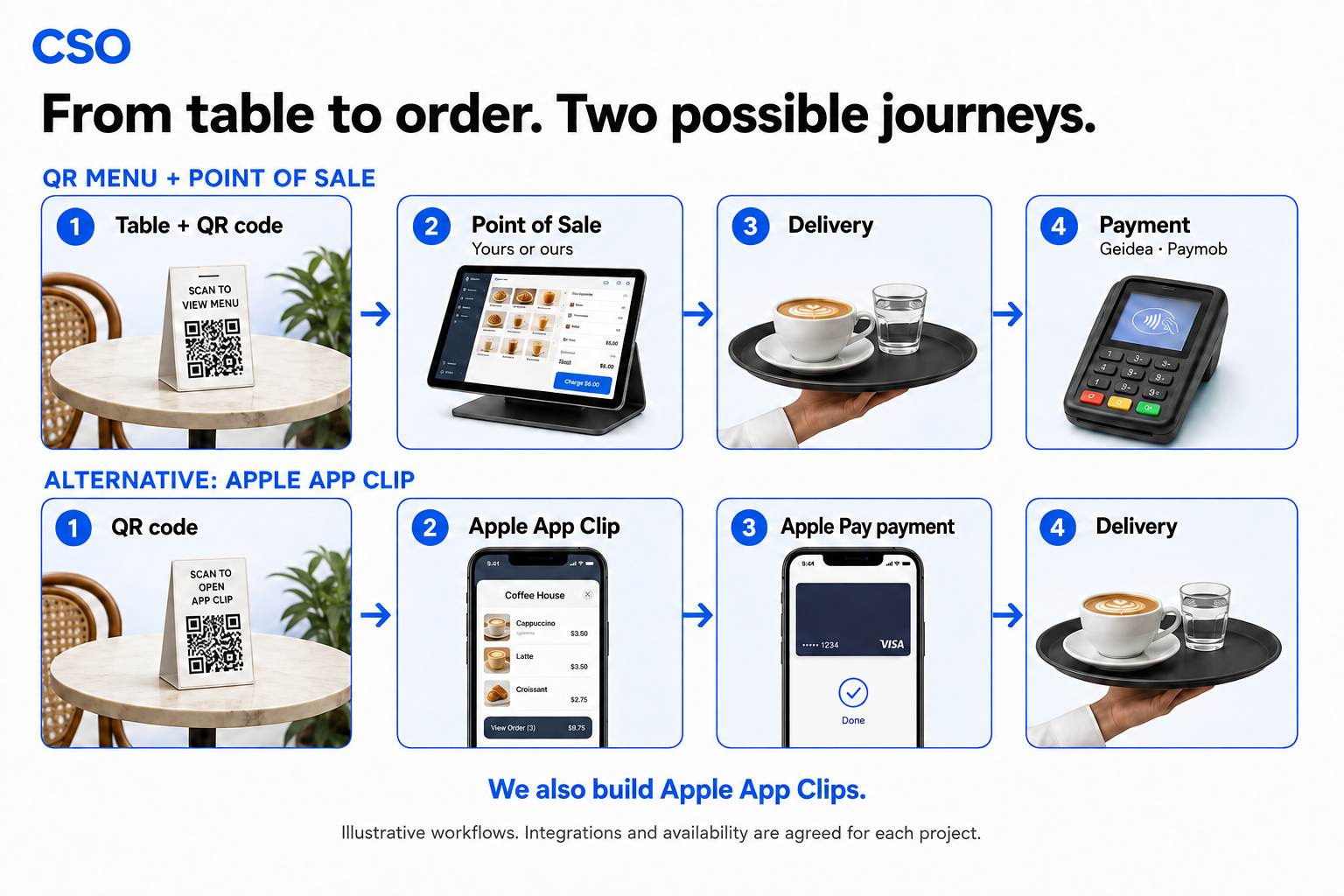 Ask about the QR menu